EAS Logging
PAID PLANAutomated EAS encoder log ingestion, compliance review, and weekly sign-off.
Encoder logs arrive on their own
Logs from each EAS source reach PublicFile Pro automatically over FTP/FTPS and are parsed the moment they land. Startup events, firmware version, and the monitor call signs the encoder has actually observed are all captured without anyone logging in to the unit itself.
The full fleet in one table
Firmware version, last startup time, last reported IP, and monitoring assignments for each EAS unit sit side by side, with a warning indicator on anything that needs attention. Groups with many stations can review every encoder they operate in one pass.
Hourly findings, weekly sign-off
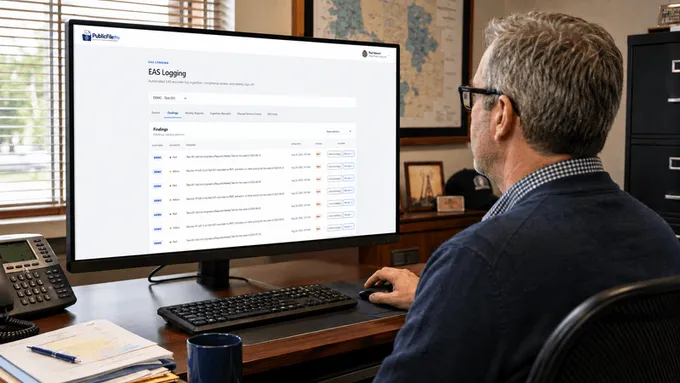
Every hour, a compliance findings engine reviews the latest logs, flags what it finds, and sends reminder emails until someone responds. Each station's weekly reconciliation report generates on the schedule configured for that station, which makes sign-off a brief, focused review of the week.
Questions about EAS Logging
How does EAS Logging get data from my encoder?
Logs from your EAS encoder upload automatically over FTP/FTPS, and PublicFile Pro parses each one and matches it to the correct station. No one exports logs or retypes them into a spreadsheet.
What does it track from the encoder?
Firmware version, last startup time, the IP address it last reported from, and the call signs of the monitor assignments it observed, along with the test and alert events recorded in its logs.
What happens if something looks wrong?
An hourly findings engine checks incoming logs against compliance rules and flags issues as they appear. Reminder emails follow, and a finding never waits quietly for the next manual check.